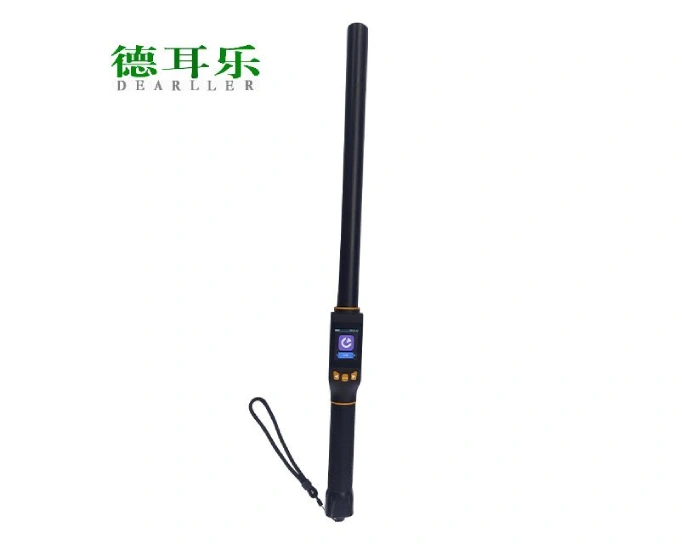
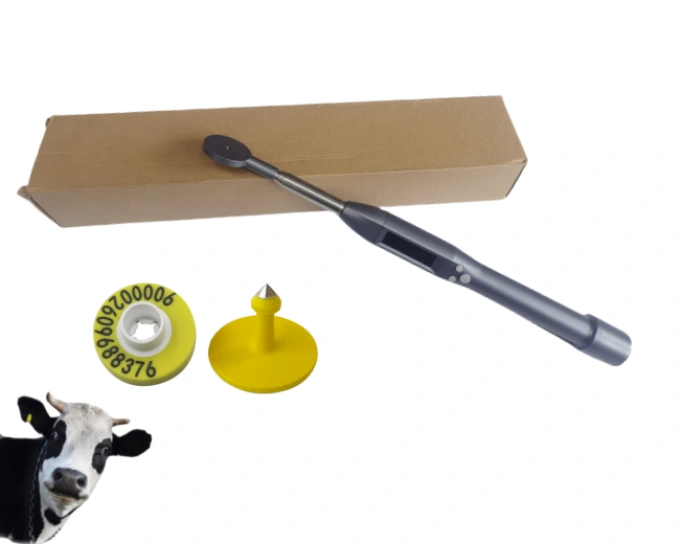
Description
| Material | Metal |
| Application | Livestock Equipment |
| Interface | USB |
| the operating environment of use | Working environment temperature 0 to 35℃, storage temperature -20 to 45℃ |
| Read card support protocol | FDX,HDX |
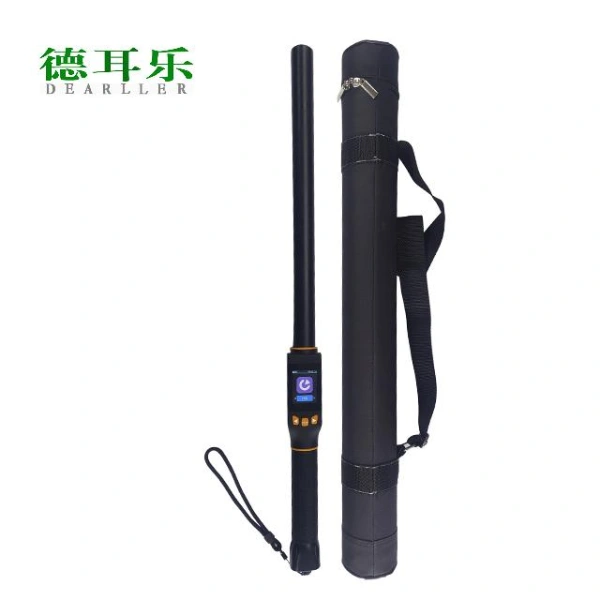
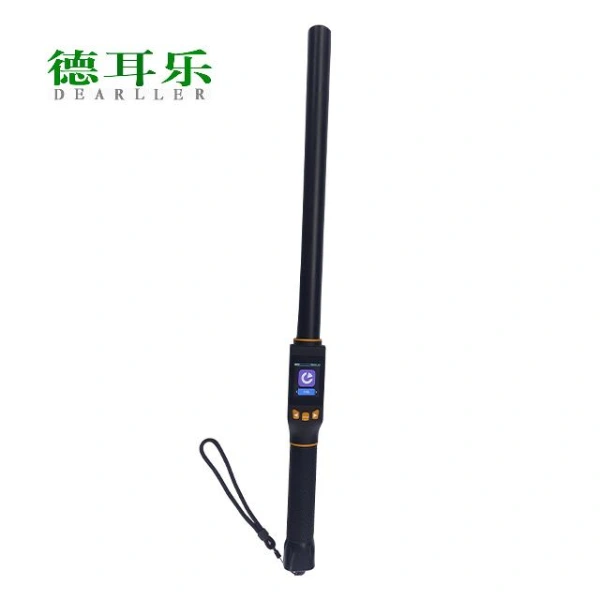
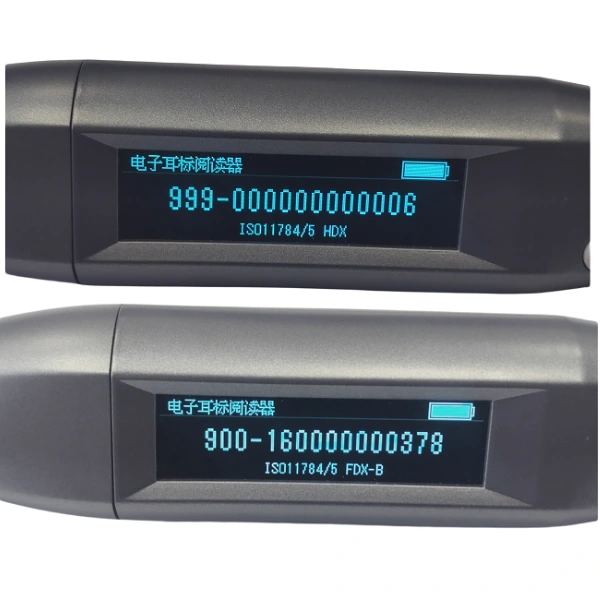
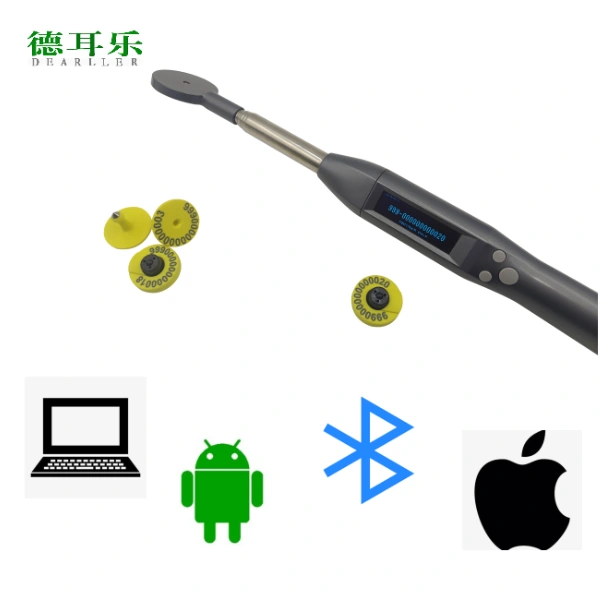
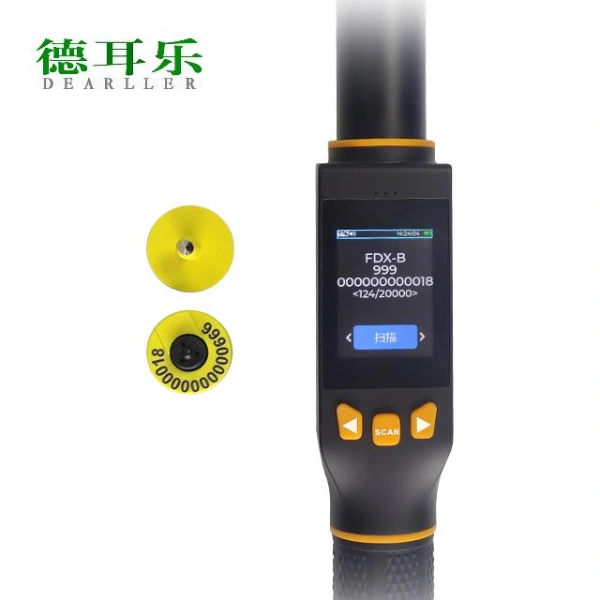
Model A
Instruction
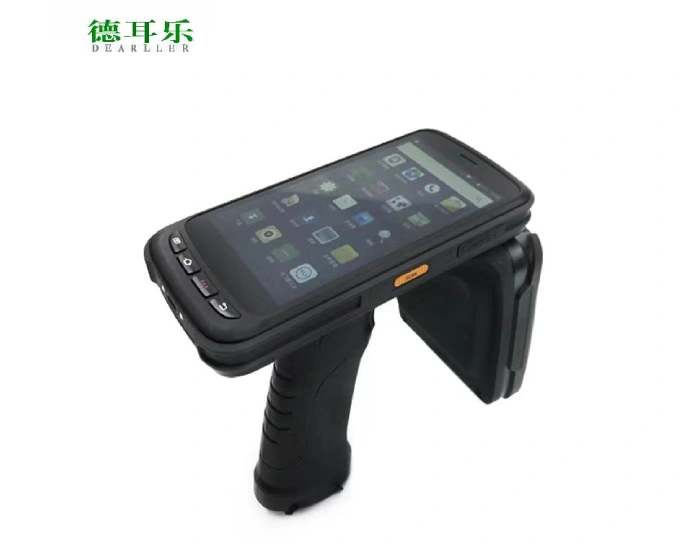
RFIDVIEW-BLE01 Ear Tag Reader provides basic RFID reader functions of reading, displaying, and transmitting via Bluetooth module.
This manual is intended to provide a through overview of the RFIDVIEW-BLE01 Reader and should be carefully read before starting operating the device.
Thank you for your trust in us to provide for your Ear Tag Reader needs.
Features
Intended Use
Animal Identification and Tracking Management
Physical characteristics
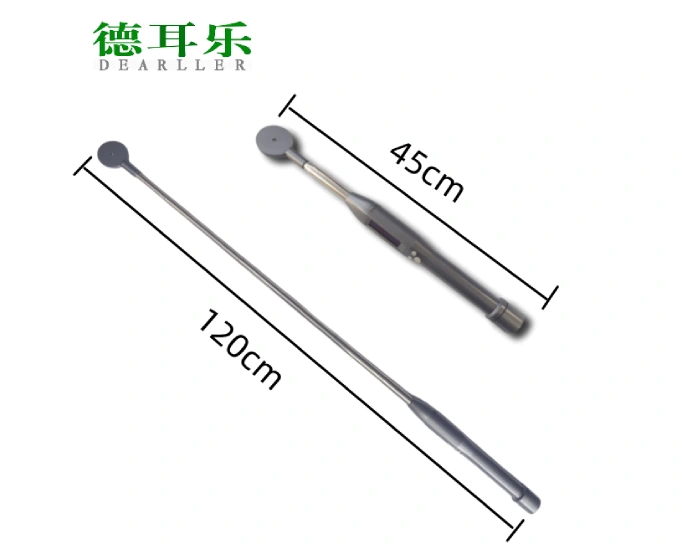
- Size of reading head: φ50mm
- Size of length: 45cm to 120cm
- Weight: ≤0.3kg
- Screen: 2.08inches
Environmental
- Operating Temperature Range: -10 to 50 °C
- Storage Temperature Range: -20 to 65 °C
- Humidity Max: 90%
Electronic
- Battery Capacity: 3000mAh
- continuous working time: 20hour
- Communication mode: Bluetooth
- Frequency: 134.2 KHz
- Reading range: 5-8CM
- Waterproof of reading head: IP57
- Compatible with the ISO Standards 11784 and 11785, with FDX-B.and HDX capability
Getting Started
FOR YOUR PROTECTION, please read these safety instructions completely before applying power to, or operating the system.
Unpacking
The RFIDVIEW-BLE01 Ear Tag Reader is carefully packed to prevent damage during shipment. Before unpacking, please note any visible damage to the outside of the shipping containers.
Items should be checked in order to ensure that all ordered items have been received. The following table lists the items which should be received with each particular system.
| ITEMS | INCLUDED |
| RFIDVIEW-BLE01 Ear Tag Reade | √ |
| USB Cable for Charging | √ |
| RFIDVIEW-BLE01 Ear Tag Reade Operators’ Manual | √ |
Each item should be examined for any noticeable defects or damage that may have occurred during shipment although it is packed carefully. If any defect or damage exists, please contact to your local representative immediately to report the problem.
Key Board Functions
The handheld keyboard is multifunctional. In different modes, it has different functions.
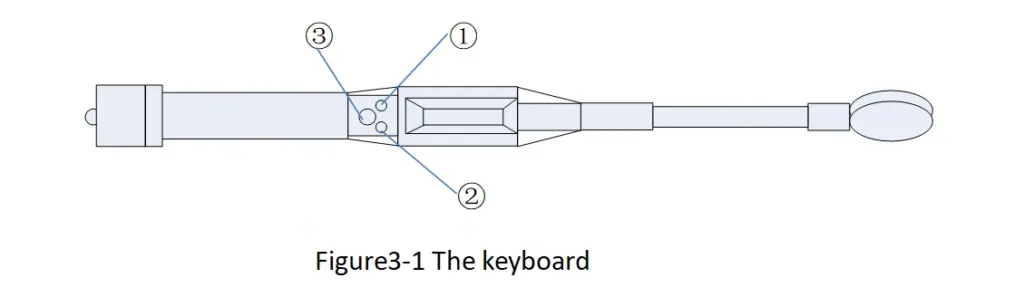
①— Set button
②— Enter button
③–Power/Scan button
Power/scan
Press the ‘Power/Scan’ button to power up the reader, the version of the software will be showed on the screen. Seconds after the reader turned on, the reader begins to scan.
The reader can be turned off by hold down the ‘Power/Scan’ button for seconds.
You can scan by pressing the ‘Power/Scan’ button and quit the scanning operation by pressing the ‘Enter’ button.
The device will shut down automatically in 15minutes, if you don’t use it.
General Setting
Press the ‘Set’ button to enter the menu setting interface, there are 4 options you can choose (form 1). Press the ‘Enter’ button to choose the option (mark >), press the ‘Enter’ button to enter. Press the ‘Power/Scan’ button to return to the previous menu.
| Option | Description | |
| 1 | language | The only choice is English, now. |
| 2 | Bluetooth | There are 3 modes,’EMU KEB STD’,’EMU KBD SMART’, and ‘BLE PERIPHERAL’. You can press ‘Set’ button to select a mode, then press ‘Enter’ button to choose the mode (the device will indicate you ‘waiting…’ for set the parameter), at last there is a mark’*’before the current mode. |
| 3 | About | Show the device information, including the SN and the version of the soft. |
| 4 | Shut down | Press the ‘Enter’ button to power off the device. |
| Notes for Bluetooth: EMU KEB STD mode: shown the data from the reader and the cursor will jump to the next line.EMU KEB SMART mode: besides the functions of the EMU KEB STD, the keyboard will pop automatically for operator to add information. BLE PERIPHERAL mode: reserved for APP connection | ||
Bluetooth connection
You can choose any equipment which has Bluetooth and Virtual keyboard(like Notes,excel,word etc) functions as your mobile terminal,like iPhone ,ipad etc.
Open the Bluetooth function of the mobile terminal, and then connect our device ‘Ear Tag Reader’.
Open the notes(for example), create a new or open an existing note, the blinking cursor notice that the equipment is ready for receiving data from the reader.
Scanning
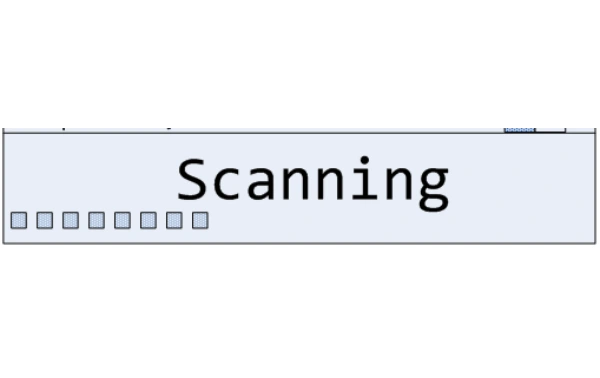
Scanning
1)Press the ‘Power/Scan’ button to detect (see figure4-1).
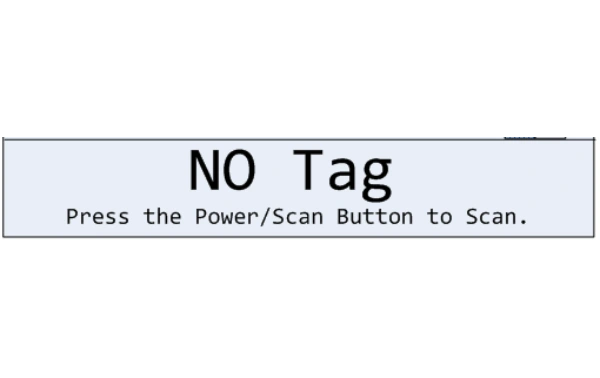
No Tag
2)If there is no tag detected in 20 seconds, the information ‘NO Tag’ and ’ press the Power/Scan button to scan’ will be shown on the screen(see figure 4-2). You can press the ‘Power/Scan’ button to detect again.
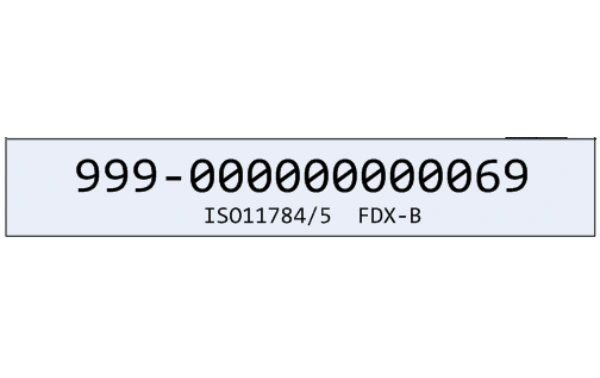
Tag Number Displayed
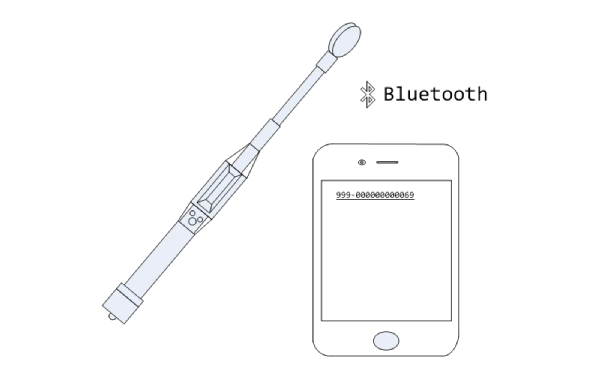
3)If a tag is detected, the tag number will be shown on the screen (see figure 4-3).
Data Transmission
4)If the Bluetooth connection is well, the tag number will transmit to the mobile terminal automatically (see figure 4-4)
Maintance
Charging
When battery goes down, it is necessary to recharge the reader. Unscrew the back cover, and then connect the USB Charger and USB Cable with the reader to charge the reader as shown in figure 5-1. When in charging, the battery indicator light will be green.
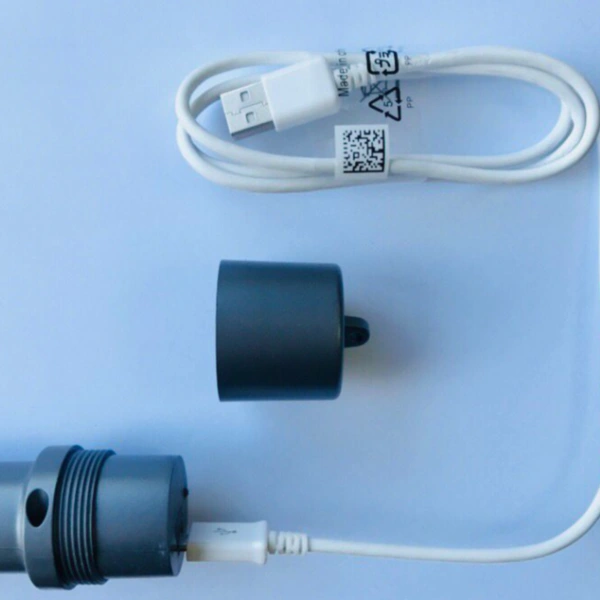
To see the status of charging, you should turn on the reader.
If the battery indicator bar all light and the flash sign not blinking means the battery is fully charged. Unplug the USB cable and screw the back over.
Cleaning
Periodic cleaning of the reader is required. The reader can be cleaned by soft cloth or paper or water directly at the reading header. The reader with the waterproof level of IPX7 can be washed using clean water.
Storage
When not in use, it is recommended that the equipment should be put in the case. While stored the equipment should be protected from temperature extremes.
Maintenance
- The RFIDVIEW-BLE01 Ear Tag Reade need to be taken good care of during or after use.
- Do NOT drop it from high level.
- Prevent high pressure from the screen.
- Regularly charge the battery.
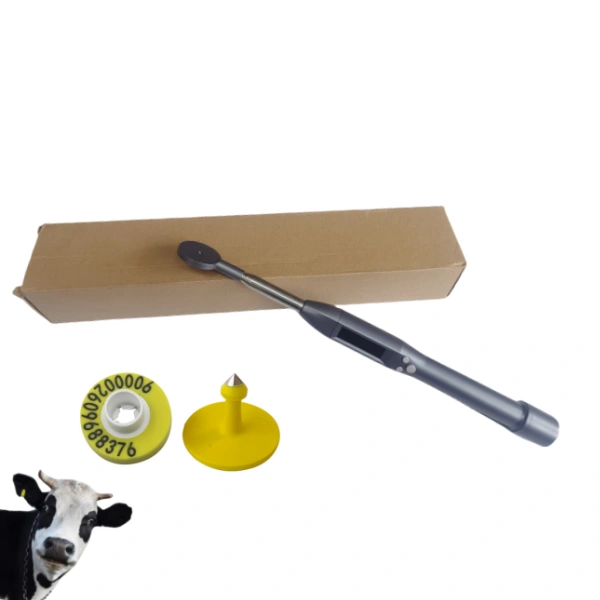
Model B
Overview
The handheld reader adopts wireless reading mode and supports of FDX-B and HDX electronic tags (ISO11784/85) formats.
The product adopts a high-brightness LCD (240*320) display screen, which can be clearly displayed under indoor or outdoor strong light conditions. The built-in storage function of the product can store up to 20,000 pieces of tags information, and the user can read the stored information to the computer for data management through a USB data cable or a wireless connection.
The product has stable performance and simple operation, and is suitable for animal management, traceability management, railway inspection and other asset management fields.
Device Parameters
| Tags format support | FDX-B,HDX |
| Reading distance | FDX-B: 30mm Ear tag>=30cm(±5cm)HDX: 300mm Ear tag>=35cm (±5cm) |
| Standard protocol | ISO11784/85 |
| Read time | Around 100ms |
| Human-computer interaction | LCD display, buzzer, vibration motor (work when tags is read) |
| Powered by | 7.4V 1800mAH lithium battery |
| Power consumption | Tags reading:3.7W Standby:0.5W |
| Capacity | 20,000 pieces of data can be saved for tags reading, and 6,000 pieces of data for comparing tags numbers |
| Battery life | Continuously read 10,000 pieces of data when fully charged |
| Communication Interface | USB2.0,Bluetooth4.2 |
| Size | Length:67CM, width:4.4CM, height:4.1CM |
Function introduction and operation instructions
Device interface

save icon, indicates that the tags number is read and then saved;

Re-read icon, indicates that the tags number can be read repeatedly, close after reading will not save the tags number, and there is a duplicate tags number prompt DUP;

Comparison icon, indicates the opening of the comparison function, the normal use of this function must have a comparison tags number in the device, can be imported through the host computer;

Mute icon for sound off;

Sound icon, indicating that the buzzer sound is turned on and the operation of buttons, etc. will emit sound;

Mark icon to indicate whether the mark function is enabled or not, each tags number will be marked when enabled;

Bluetooth icon, indicates whether Bluetooth is turned on or not, the device turns on Bluetooth but is not connected, the Bluetooth icon blinks, and is always displayed when the link is successful;

USB link icon, data cable link on the computer, normal link will show the icon;


Battery icon indicating the current power level of the device.
Basic operation
Start up
In the off state, press the SCAN button to turn on the device, and the device will directly enter the interface for scanning labels.
Scan tags
In the tags scanning interface, press the SCAN key to start scanning labels, and the interface animation will display “(((((((0)))))))” to indicate that the tags is being read, and will be displayed read tags type, number segment, quantity and the buzzer, and the vibration motor will turn off after working for 50ms (provided that the device enables this function). If the tags is not read for about 12 seconds, “No Data” is displayed. If you want to disconnect the tags reader during the tags reading process, you can press the left and right keys, or press and hold the SCAN key for more than 1.5 seconds and then release it to exit the tags reader. If no tags is found, it will display “No Data”, and if the number of tags numbers read exceeds 20,000, it will display “Data full”.
Shut down
The device will automatically shut down without any operation, depending on how long the device has been set to shut down, the factory default is to automatically shut down after 10 minutes. In the scanning interface, press and hold the SCAN button for more than 1.5s and then release it to shut down, or switch to the device information to find the shutdown button.
System setting
After starting up, in the label scanning interface, press the left and right keys to switch the interface, select the setting interface and press the SCAN key to enter the function interface list, use the left and right keys to select the desired function to modify, select the return key to exit this interface, and then return to this interface. On the main interface of the function, continue to press the left and right keys to switch and select the content to be set.
Interface information
Language interface
The factory default language is Simplified Chinese. If you want to change the language, you need to move the “arrow” cursor to the corresponding language for selection.
(Note: The device comes with Chinese and English languages to choose from)
Bluetooth interface
You can switch between HID analogue keypad and serial communication SPP modes:In HID mode, the device name under the scanning of mobile phones and other terminal devices is “S18-HID”. In SPP mode, the device name under the scanning of mobile phones and other terminal devices is “S18-SPP”. (Note: Between switching modes, turn off the Bluetooth first, then switch, and then turn on the Bluetooth, otherwise there may be a problem of not searching for the device, and after the connection is successful, every time the handheld reads the information, it will send the current tag ID number to the relevant Bluetooth device through the Bluetooth).
Switch interface
It is possible to set whether data is saved, re-read, compare, sound, vibrate, and read mode (single or continuous reading).
Marking interface
Marker number can be selected by switching (data read by factory equipment is not marked by default).
(Note: This function is a data marking function, which can mark 1~8 kinds of tags for the next stored tags according to the setting of 9 groups of different marks)
Delayed shutdown interface
Delay can be 2, 3, 5, 10, 20 minutes to select standby time.
System Information Interface
Manufacturer information can be viewed device: manufacturer, model, version, Bluetooth name and MAC address and SN code. In the interface can be operated: restore factory settings and power off.
Card Number List
Select this interface by pressing the SCAN key, and switch to view the list of read card numbers by using the left and right keys to query the read card data in the device.
Precautionary Note
- This product is an electronic product and is transported and stored in accordance with conventional electrical equipment.
- Avoid dropping or impacting the reader from high places.
- Do not place the reader in a hot, humid or corrosive environment.
- Do not open the reader case by non-professionals.
- Please use the data cable provided for online operation.
- Do not remove the battery cover as often as possible.
- Please take out the battery when not in use for a long time, to avoid battery leakage corrosion circuit boards.
Production Process

Why Choose Us
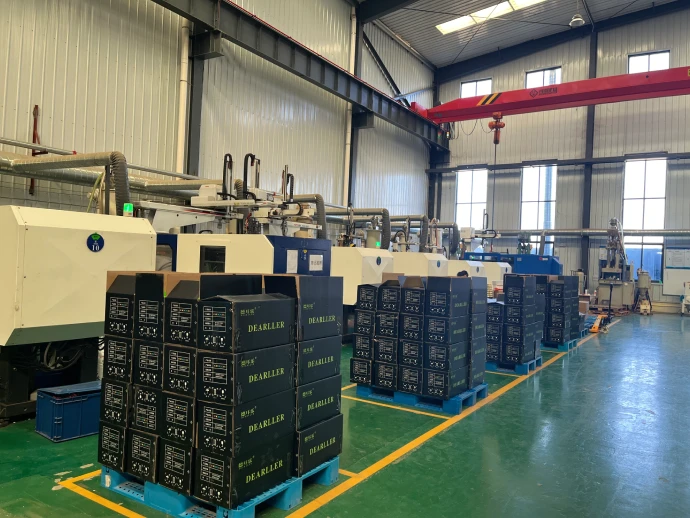
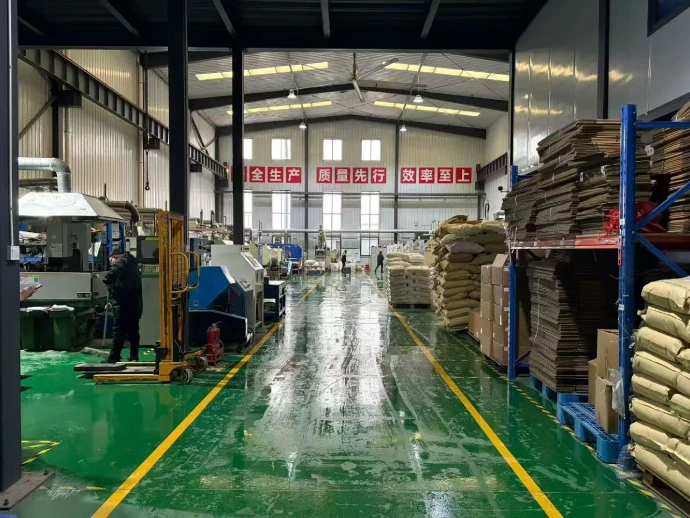
Luoyang Dearller Intelligent Technology Co., Ltd. is a designated ear tag manufacturer in China and a recognized supplier of anti-epidemic ear tags for the Ministry of Agriculture and Rural Affairs.
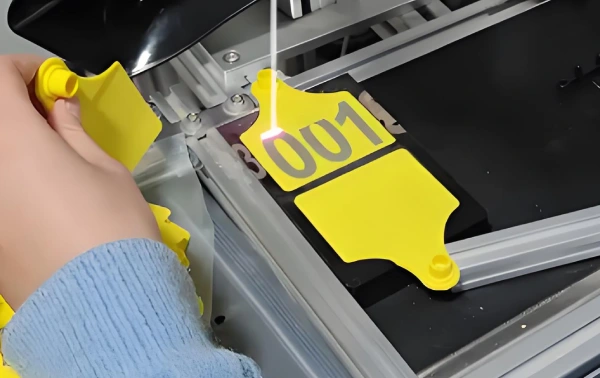
Comprehensive Product Portfolio
Focused on the production of livestock ear tags, RFID ear tags, syringes, ear tag applicators, RFID readers, and other auxiliary livestock tools.
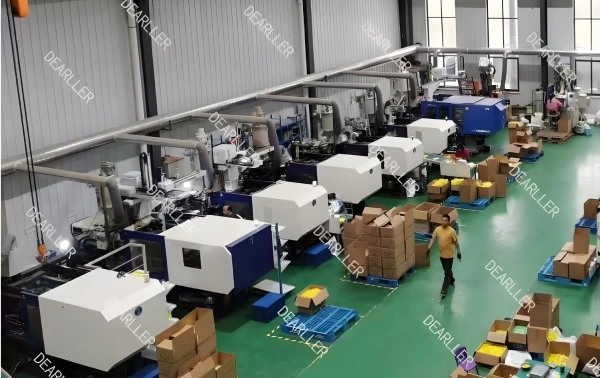
Advanced Manufacturing & Scale
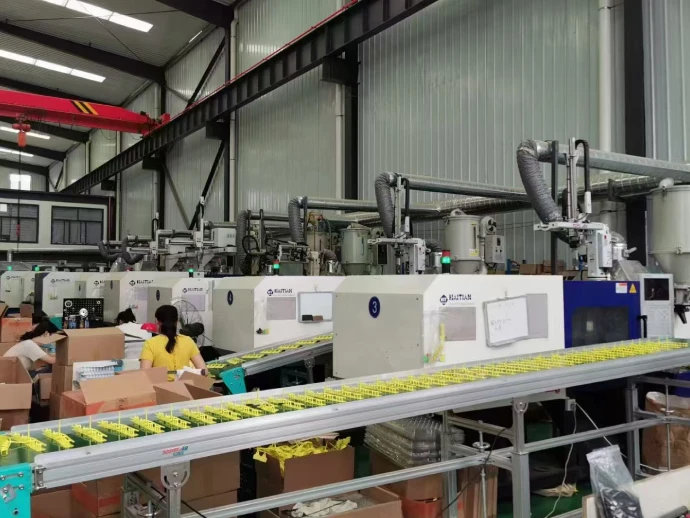
Equipped with over 15 automatic production lines and imported precision equipment—including Sodick mold machinery from Japan and Haitian servo injection molding machines—we provide high-volume output and highly competitive pricing.
We are a factory, not a trading company. Welcome to visit anytime!
Factory Show

Certification
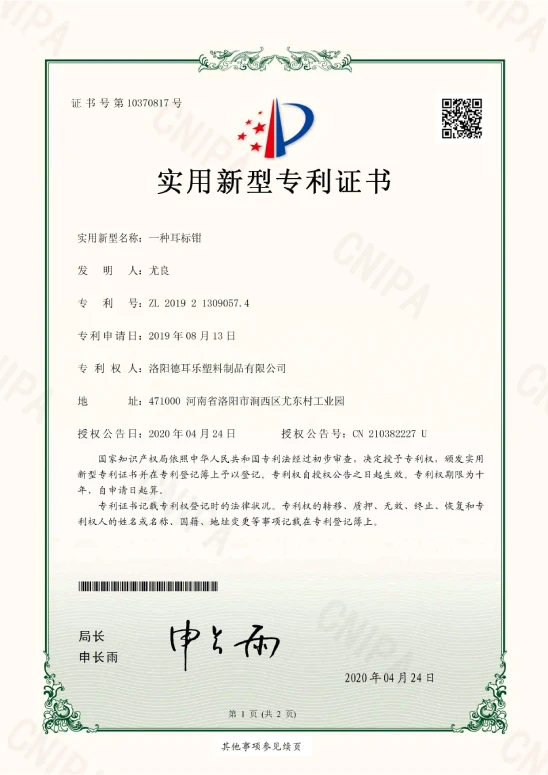
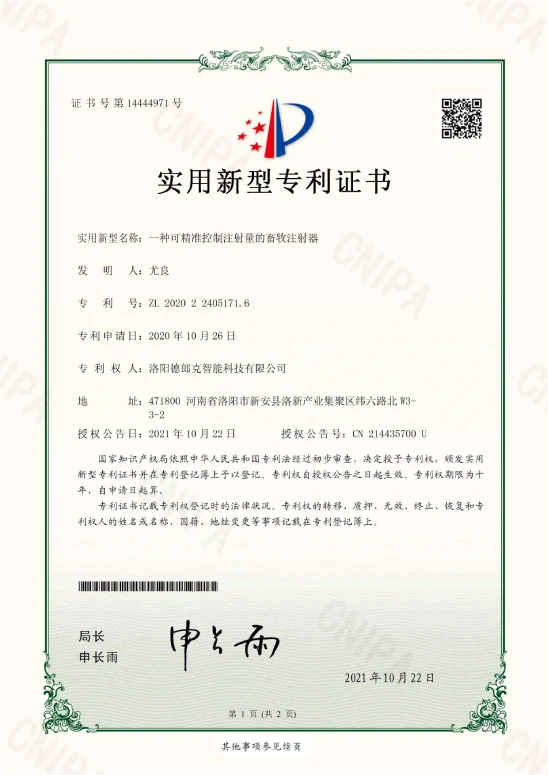
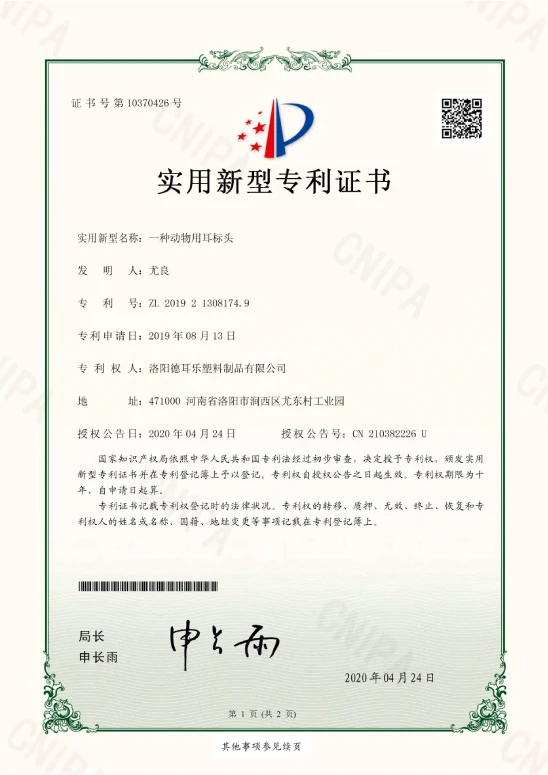
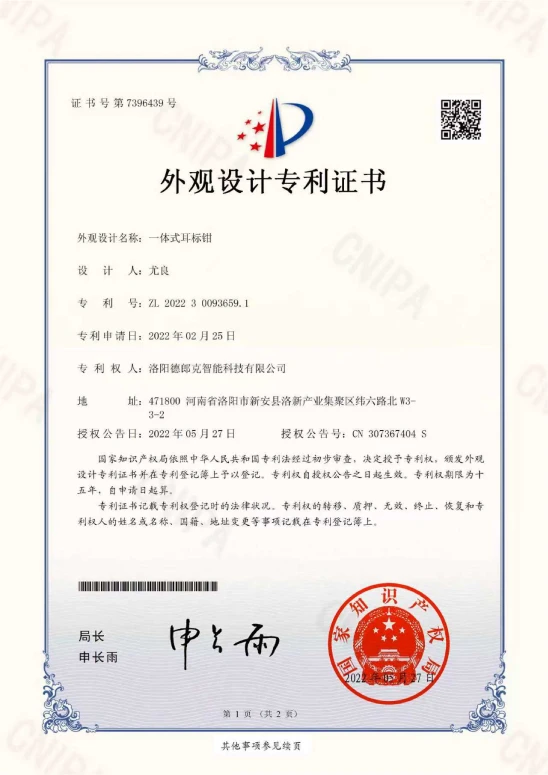
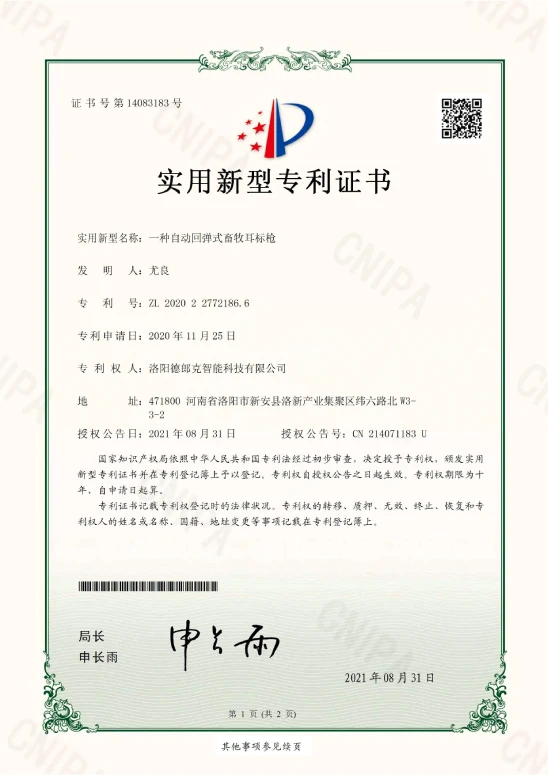
Our products have passed many international certifications.


Packaging & Delivery
We provide you with fast and accurate delivery.
Commercial packing: bubble bags, cartons, boxes for safe packaging.